
Quick answer: Choose gift-box candidates by what each option adds to the offer, then try to build selections that challenge that offer. Count actual Shopify variants, check every candidate's eligibility, and test the least balanced combination your rules allow. A technically valid assortment can still contradict a promise such as “a notebook in every box.” tnova's 100-candidate ceiling is a limit, not a recommended assortment size.
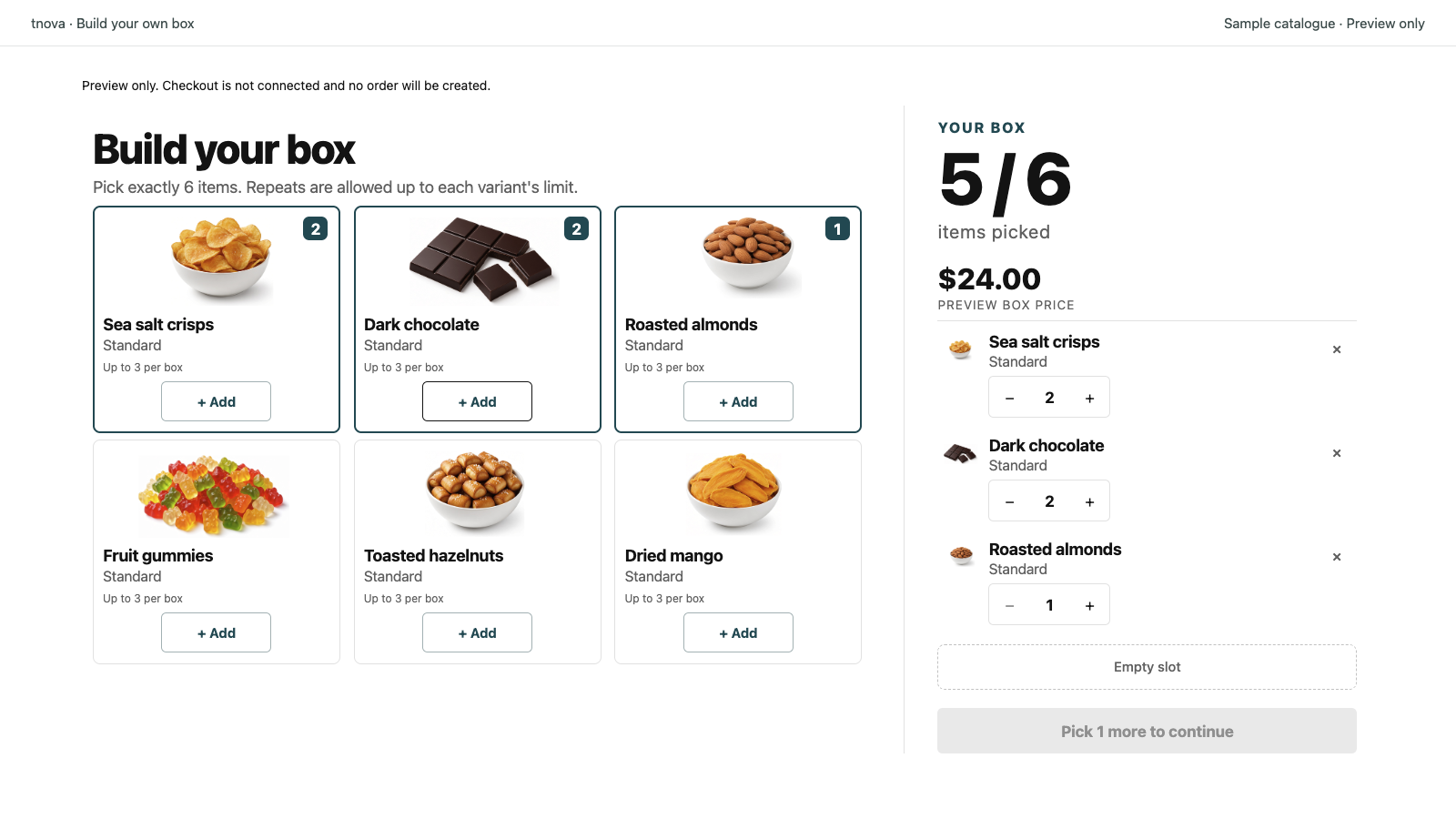
This guide is a merchandising worksheet for deciding what belongs in one mix-and-match box. It complements the variant-identification guide, which covers naming and images after you have chosen the candidates. tnova is preparing for public installation; use an authorized preview or test environment for your own catalog. The cover shows the public sample picker, not the stationery assortment below.
Define the choice the shopper is making
Write one sentence describing the purchase before opening the full product catalog. For example: “Choose six compact stationery items for a desk gift, with up to two of each variant.” This establishes a purpose, a unit count and a repeat rule without promising a particular category mix.
Then write down what would make the offer misleading. For this fictional desk gift, the merchant might reject items that need separate protective packaging, packs whose contents are unclear, or an assortment that only works if shoppers choose the merchant's favorite combination. These are merchant decisions to investigate, not automatic tnova checks.
Keep a separate list of tempting additions. An item can be a good standalone product without belonging in this box. “We already sell it” does not answer whether it adds a useful choice at this price and in this container.
Make a keep-or-defer sheet at variant level
Shopify defines a variant as a combination of product option values. A notebook in three colors can contribute three candidates even though it has one product title. tnova's candidate pool is also variant-based.
Here is a fictional first review. “Keep for checks” means a candidate is worth investigating; it does not mean inventory, cost or physical fit has passed.
| Candidate variant | What the option adds | Initial decision and question |
|---|---|---|
| Pocket Notebook / A6 Blue | First notebook choice | Keep for checks; confirm the actual packed size |
| Pocket Notebook / A6 Green | Alternative cover color | Keep for checks; is this a meaningful choice for this offer? |
| Pocket Notebook / A6 Graphite | Neutral cover color | Keep for checks; test an all-notebook selection |
| Pencil Pack / Black, three pencils | Writing items in one selectable pack | Keep for checks; show that one pack is one item unit |
| Pencil Pack / Blue, three pencils | Alternative pencil finish | Keep for checks; confirm the finish is identifiable |
| Clip Pack / Brass, six clips | Desk accessory | Keep for checks; check the closed pack in the container |
| Clip Pack / Steel, six clips | Alternative accessory finish | Keep for checks; compare its role with the brass pack |
| Pocket Notebook / A5 Blue | Larger writing area | Defer until the size, cost and fit tradeoff is resolved |
| Ceramic Desk Tray / White | Different kind of desk accessory | Defer until protection, weight and packing requirements are understood |
The provisional pool has seven variants across three product titles. This is an example, not a claim that seven is the best number. Add a candidate when you can explain its contribution and maintain it; remove or defer one when you cannot yet support the resulting offer.
Do not count a three-pencil pack as three box slots. In tnova, one selected unit of that Shopify variant contributes one unit to the required box count. Use the item-count and repeat-limit guide for the underlying rules.
Try to break the merchandising promise with legal selections
For this exercise, use a shared pool, six items per box and a per-variant maximum of two. Assume all seven provisional variants have sufficient eligible stock. Make three deliberately different selections:
| Challenge | Six-unit selection | Decision it exposes |
|---|---|---|
| Choose only notebooks | Blue notebook × 2, green notebook × 2, graphite notebook × 2 | Three colors can fill the whole box with one product type |
| Avoid notebooks completely | Black pencil pack × 2, blue pencil pack × 2, brass clip pack × 2 | The shared pool does not require a notebook |
| Mix product types | Blue notebook × 1, green notebook × 1, black pencil pack × 2, brass clip pack × 2 | The intended mixed presentation is possible, but is not mandatory |
All three selections total six, and each candidate stays within two. A per-variant cap does not become a product-wide or category-wide cap. The first row contains six notebooks even though no individual notebook variant exceeds two.
This gives the merchant a concrete choice. If all three boxes are acceptable, describe the freedom honestly. If a notebook is essential, the proposed shared-pool offer is not ready. Revise the assortment and recheck every allowed composition, or confirm that a separately supported rule can enforce the requirement before advertising it. A category heading, photograph or sentence in the description does not enforce a minimum.
Do not depend on an unreleased rule or a verbal packing instruction to repair a selection after checkout. The customer should be able to understand and buy the actual configured offer.
Apply operational checks to the whole provisional pool
The merchandising sheet identifies candidates to review; it does not replace product eligibility. tnova currently requires physical, inventory-tracked components with selling when out of stock disabled, compatible quantity rules, and exactly one active online fulfillment location shared across the candidates. Use the inventory-readiness checklist for the detailed checks.
Then review the combinations, not just each item in isolation:
- Use the cost-ceiling worksheet to examine the highest-cost permitted selection at the fixed box price.
- Use the physical packaging test for bulky and awkward allowed selections, including repeats.
- Review component-stock coverage against the choices you intend to keep available.
Record unresolved checks beside the candidate. For example, “A5 notebook deferred; two repeated copies have not been physically tested” is actionable. “Probably fine because A6 fits” is not evidence about A5.
Adding another variant also adds another source record, image and stock condition to maintain. tnova does not turn this worksheet into an automatic assortment recommendation or guarantee that an eligible product fits the physical gift box.
Approve the assortment through a shopper task
In the authorized preview, give a reviewer the offer sentence and ask them to build the three challenge selections without explaining the catalog first. Observe which item they choose, whether they understand pack quantities, and whether the final selection matches their intention. Record specific confusion, such as “treated the pencil pack as three slots,” rather than predicting a conversion-rate change.
Check the same task on a narrow screen. If two choices are hard to distinguish, improve their source identity using the variant guide. If a choice adds no useful distinction for this offer, reconsider its place in the pool. These are different fixes.
Finish the approval record with the included variant IDs, deferred items and reasons, count/repeat rules, accepted challenge selections, outstanding checks and reviewer/date. If a published box's pool changes, follow the pause-and-update procedure. Do not silently reinterpret an earlier customer's selection.
The public sample builder is useful for understanding selection and quantity controls with fictional products. It does not test your assortment, create a cart or verify checkout. Current store verification covers Dawn 16.0.0 with cart type Page, the default market/currency and a shared component location; another theme or cart mode needs its own verification.
About this guide: Prepared with AI assistance and checked against tnova's candidate validation, selection rules and current official Shopify variant guidance on October 20, 2026. The assortment and review tasks are fictional planning examples; no merchant usability study or sales result is claimed.
See a gift box in action
Try the sample picker with fictional products. It creates no cart or order.
Try the box builder