
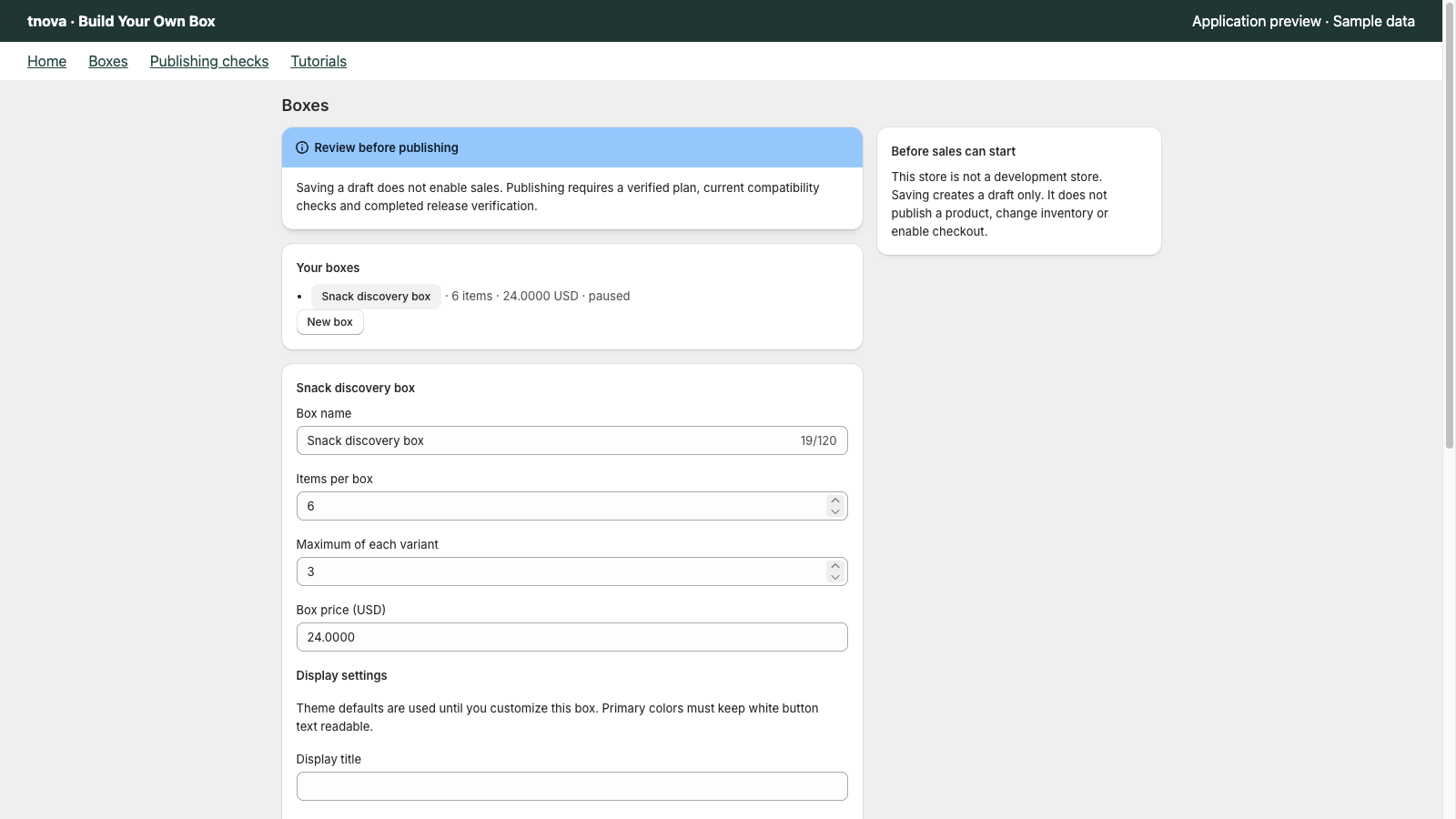
An out of stock mix and match gift box is usually not a broken product page—it is a sold-out component inside a still-live fixed-price box. Decide in advance whether that variant disappears from the picker, stays visible as unavailable, or continues selling with a clear restock promise, then write the substitution and packing rules your warehouse will actually follow. This guide covers Shopify inventory settings that affect components, catalogue swaps that keep the box price honest, shopper and support copy, and a short peak-season checklist.
tnova: Build Your Own Box is a fixed-price mix-and-match gift box app for Shopify Online Store. It is currently in App Store review, so public installation is not available yet. When installation opens, the stated plan is $19.90 USD per store per month with a 30-day free trial; there is no free plan. The subscription price does not rise with box sales.
Why an out of stock mix and match gift box fails differently than a single SKU
A locked bundle that goes to zero inventory stops selling. A mix-and-match box can still sell after one favourite flavour, size, or colour hits zero—shoppers simply cannot complete a legal selection if that variant was their only path through your rules, or they abandon when the picker feels empty.
Three failure modes show up in the same week of Peak Week:
- Picker still lists a zero-stock variant — shoppers select it, then hit a cart or checkout block (or an oversold line you cannot pack).
- Too many candidates go dark at once — especially if one group (for example “sweet snacks”) is empty.
- Silent warehouse substitutes — packers swap without a written policy, so the order no longer matches the shopper’s build.
Planning stock before launch still matters; see how to plan component stock for a mix-and-match gift box. This article is about the day a tracked component actually hits zero while the parent box stays published.
Set Shopify inventory behaviour for every box component
Treat each candidate product or variant as its own inventory item. In Shopify, an item is out of stock when inventory is tracked and the available quantity is at zero or below. By default, customers cannot purchase that item until you add stock again. Shopify documents the alternative—Continue selling when out of stock—in Help Center: Selling out of stock products.
For gift-box components, choose one policy per variant and stick to it:
| Policy | When it fits a mix-and-match box | Trade-off |
|---|---|---|
| Stop selling at zero | Most food, beauty, and limited edition components | Shopper must rebuild the box without that SKU |
| Continue selling (oversell) | Reliable inbound PO with a ship-by you can keep | You owe a restock or a written substitute |
| Hide from collections / picker sources | Seasonal SKUs you will not replenish this week | Catalogue shrinks; check group rules still work |
If you hide out-of-stock products from collections that feed discovery, follow Shopify’s documented collection conditions (inventory greater than 0, match all conditions): Hiding out of stock products. Hiding a product from a collection does not by itself rewrite your box’s candidate list—update the box configuration when a component is permanently out for the season.
Also check which location fulfills Online Store. Stock at a location that does not fulfill online still shows as unavailable on the storefront—verify the online-fulfilling location before you panic-order.
Write gift box component substitution rules before Peak Week
Do not invent substitutes at the packing bench. Publish a short internal policy that support and warehouse share:
- When a selected component is unavailable after purchase — refund that line only, offer a same-price substitute from a named list, or cancel and rebuild. Pick one default.
- Same-price / same-group only — substitutes must not break your fixed box economics or dietary groups (for example nut-free stays nut-free).
- No silent upgrades that blow the cost ceiling — if every sell-out is replaced by the most expensive remaining SKU, your fixed box price fails. Recheck the cost ceiling after any permanent catalogue change.
- Shopper consent — email or order note when a paid selection changes; packing notes alone are not enough for gift recipients who open the box later.
- Cutoff for new substitutes — after your holiday ship cutoff, stop adding new SKUs; fulfill against the written list only.
Keep the box rules themselves tight so a single sell-out does not strand shoppers: required item count, per-variant limits, and groups should still be completable with the remaining catalogue. Review setting item counts and repeat limits for a gift box if a sold-out hero SKU was carrying an entire group.
Catalogue swaps that keep the fixed price honest
When a component will not return before your ship cutoff, remove it from the candidate list and add a replacement only if:
- Unit cost fits under the existing box price after your worst-case combination check.
- Dimensions still fit the carton you already bought (do not “fix” a taller bottle into a flat mailer).
- Title and variant names stay scannable for packers.
- You re-run three scripted builds: cheapest legal box, most expensive legal box, and a group-edge case (for example all remaining items from one dietary tag).
If you cannot find a safe replacement, shrink the offer: pause the box, lower the required count only if packaging and marketing still match, or retire the seasonal configuration cleanly. Retiring is better than a half-empty picker that trains shoppers to bounce; see how to retire a seasonal Shopify gift box.
Track mix and match sold out items in a simple sheet during BFCM week: variant, date hit zero, action (hide / oversell / substitute / remove), owner.
Shopper-facing copy and support scripts
Shoppers tolerate missing options when the page explains the rule. Add plain lines to the box product description or a holiday banner:
- “Some flavours sell out during Peak Week. Available options update as stock changes.”
- “If an item in your paid box becomes unavailable before we ship, we will [refund that component / offer a same-group substitute / contact you] per our holiday policy.”
Train support with three short answers:
- “Why can’t I add X?” — that variant is at zero at our online fulfillment location; here are in-stock alternatives in the same group.
- “Can you hold one for me?” — no holds on mix-and-match components unless you run a documented preorder path; otherwise point to restock date or substitute list.
- “You packed the wrong thing.” — check the order’s component lines first; if warehouse substituted outside policy, fix with refund or reship per the written rule.
Avoid promising gift messages, scheduled launches, or POS pickup unless those capabilities are live for your stack. tnova’s scope is Online Store only (no POS); claim cart drawer only where verified (Dawn Drawer mode for tnova’s tested baseline).
Peak-season operator checklist for shopify gift box inventory rules
Run this daily from the week before BFCM through your last promised ship date:
- Export or scan on-hand for every candidate variant in live box configs.
- Flag anything under your reorder point (set that number before the season, not during).
- Apply hide / oversell / remove decisions the same day—do not leave zero-stock variants selectable if your checkout will reject them.
- Confirm packing sheets still list components, not only the parent box title.
- Sync support macros with today’s sold-out list.
- If two or more groups are empty, pause marketing for that box until the catalogue is completable again.
Pair this with your broader inventory readiness pass and your BFCM prep timeline so sell-out decisions sit next to ship cutoffs, not after them.
Where tnova fits (facts only)
tnova: Build Your Own Box is built for fixed-price mix-and-match gift boxes on Shopify Online Store: one box price, required item counts, per-variant limits and groups, with rules rechecked before cart and checkout. Stated limits include 2–12 item units and up to 100 candidate variants per box. Inventory truth still lives in Shopify for each component; the box configuration decides which candidates remain offered. Scope is Online Store only—no POS. Cart drawer support has been verified on Dawn’s Drawer mode; do not assume every theme.
Pricing when installation opens: $19.90 USD per store per month, 30-day free trial, no free plan, subscription price does not rise with box sales. Current status: in Shopify App Store review; public installation is not available yet. This article does not include an install link.
FAQ
What does an out of stock mix and match gift box mean?
It usually means one or more component variants in the box’s candidate list have tracked inventory at zero (or below), while the parent box product may still be published. Shoppers must complete a valid selection from what remains, or you must substitute, refund, or pause the offer per your written policy.
Should I enable Continue selling when out of stock on gift box components?
Only when you can fulfill or substitute on a date you publish. Shopify’s Help Center explains that this setting lets customers buy tracked items at zero inventory. For gift boxes, overselling without a restock or substitute plan creates packing and support debt during Peak Week.
How do I hide mix and match sold out items from shoppers?
Turn on inventory tracking, then use collection conditions or Flow-style unpublish workflows as documented in Shopify Help for hiding out of stock products. Also remove or replace permanently sold-out variants in the box configuration so the picker and your rules stay aligned.
What is a safe gift box component substitution?
A safe substitute keeps the same dietary or group constraints, fits the existing carton, and does not push the worst-case component cost above your fixed box price. Get shopper consent when a paid selection changes, and write the default path (refund vs substitute) before the season starts.
When should I pause the whole box instead of swapping SKUs?
Pause when remaining candidates cannot satisfy your required count and groups, when every swap breaks packaging or cost, or when support volume from sell-outs exceeds what your team can answer same-day. A paused or retired seasonal box beats a storefront that cannot complete a legal build.
See a gift box in action
Try the sample picker with fictional products. It creates no cart or order.
Try the box builder